Local Library
Browse the songs and albums already stored on your device.
01Made for local listening
A clean, focused music player for the songs stored on your Android device. Everything you need to listen—without the noise.
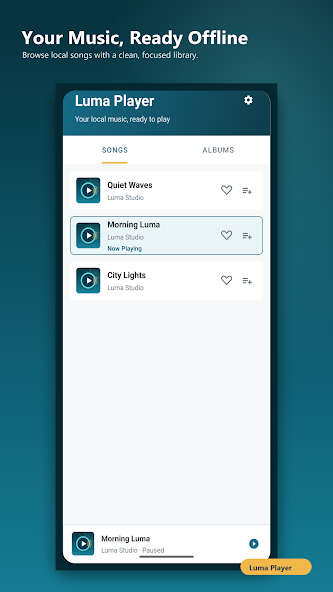
Simple by design
From finding a song to winding down for the night, Luma Player keeps every interaction clear and close at hand.
Browse the songs and albums already stored on your device.
01Follow along with lyrics that stay aligned with playback.
02See what is next and keep the listening flow under control.
03Choose a simple sound style to match the way you listen.
04Let playback stop automatically when listening time is over.
05Inside the app
Open Luma Player and move straight into the music saved on your device. Browse by songs or albums in a clean, focused library.
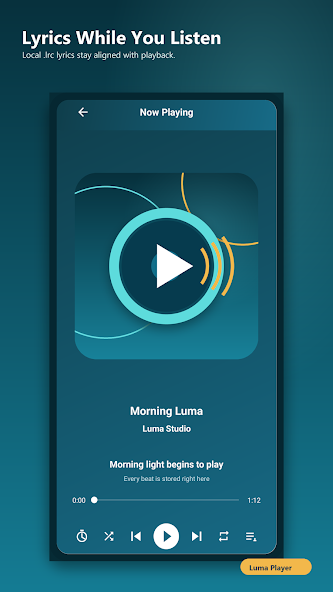
The now playing screen keeps controls, progress, artwork, and synchronized lyrics together in one composed view.
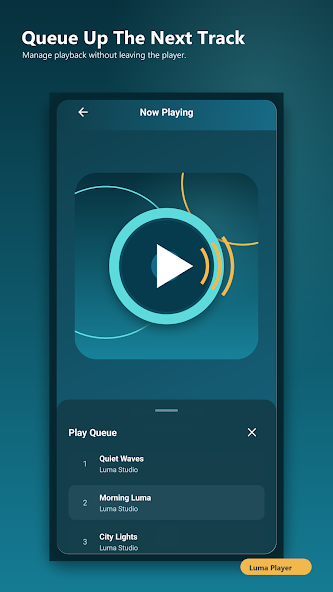
Open the queue without leaving the player. Your upcoming tracks remain readable and easy to manage while the music continues.
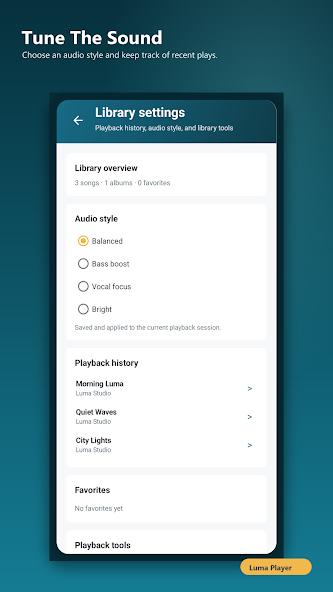
Choose from straightforward audio styles such as Balanced, Bass boost, Vocal focus, and Bright—without a wall of controls.
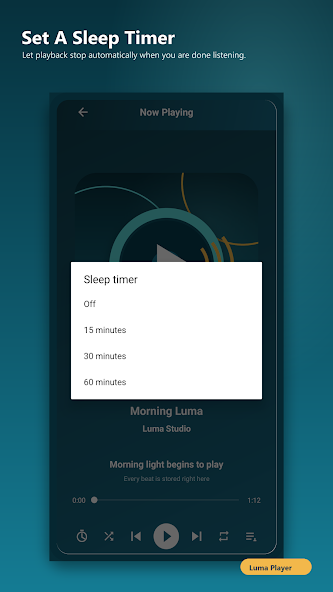
Set a sleep timer from the player and let playback stop on its own after the interval you choose.
Swipe or use the arrows to explore
Designed around your device
Luma Player is built for the audio files already stored on your Android device, so your own library stays at the center of the experience.
Get Luma PlayerYour library is waiting
Bring a calmer, cleaner listening experience to the music on your Android device.
GET IT ONGoogle Play